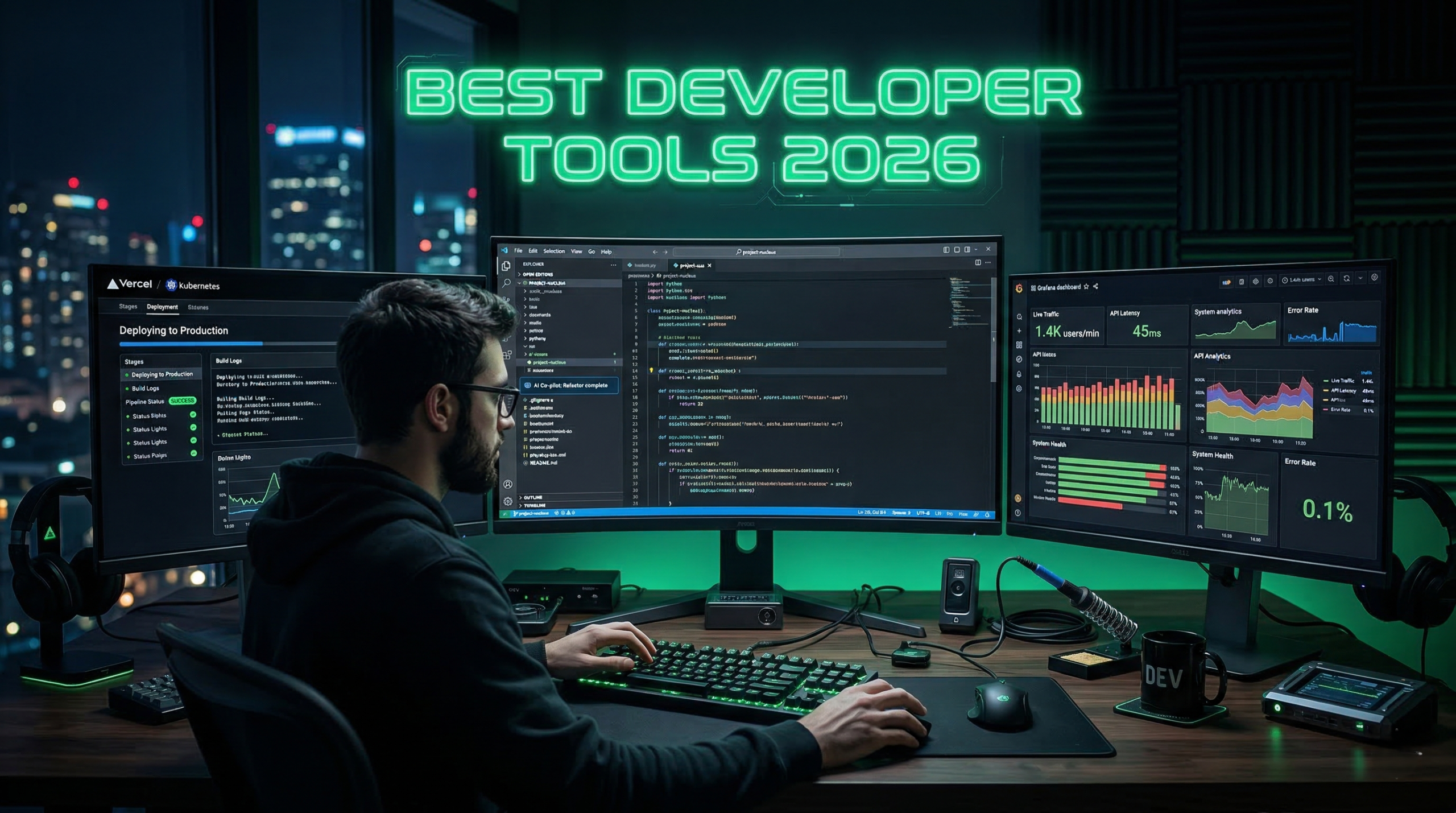
Best developer tools 2026 are redefining how software is designed, built, deployed, and scaled.
From AI-powered coding assistants to serverless backend platforms and collaborative DevOps systems, the best developer tools 2026 help freelancers, SaaS founders, and engineering teams ship products 2–3x faster than traditional workflows.
If you want to compete in 2026, your stack must include AI coding tools, modern deployment platforms, backend-as-a-service infrastructure, and developer productivity systems.
In this guide, we break down the best developer tools 2026 into four essential categories:
- AI Coding Tools
- Backend & Infrastructure
- Developer Productivity
- API & Collaboration
👉 Also explore:
- Best AI Tools for Productivity
- Best Automation Tools for Businesses
How We Tested the Best Developer Tools (2026)
To identify the best developer tools for 2026, we evaluated each platform based on real-world developer workflows and startup use cases.
Our evaluation criteria included:
- Developer productivity improvements
- Ease of integration with modern stacks (React, Laravel, Node, Flutter)
- AI capabilities and automation
- Deployment speed and scalability
- Pricing and free tier availability
We focused on tools that are widely used by freelancers, SaaS founders, and engineering teams building modern applications.
Many of the tools listed here were tested in real development workflows including backend development, API building, and SaaS product deployment.
Table of Contents
🚀 Best Developer Tools 2026 for AI Coding
1️⃣ GitHub Copilot
Official site: https://github.com/features/copilot

GitHub Copilot is one of the most widely used AI coding assistants for modern development.
When working on backend APIs and frontend components, Copilot can automatically generate boilerplate code, suggest functions, and even write test cases.
It works directly inside editors like VS Code and significantly speeds up tasks such as creating controllers, writing repetitive logic, and scaffolding application features.
Key Features
- Real-time code suggestions
- AI chat assistant
- Test generation
- Multi-language support
- Deep VS Code integration
Pricing
- $10/month (Individual)
- $19/month (Business)
Pros
✔ Boosts productivity 30–50%
✔ Works across major languages
Cons
✖ Requires careful review
Best For
✔ Developers who want faster code generation
✔ SaaS founders building MVPs quickly
✔ Teams working with multiple programming languages
✔ Developers writing repetitive boilerplate code
[Start Coding Faster with GitHub Copilot →]
2️⃣ Cursor AI
Official site: https://cursor.sh

Cursor is an AI-native IDE designed for pair programming with artificial intelligence.
Why It’s One of the Best Developer Tools 2026
- Entire codebase context awareness
- AI-powered refactoring
- Natural language code edits
Best For
✔ Developers who want AI-native coding experience
✔ Engineers working on large codebases
✔ Developers who prefer natural language code editing
✔ Advanced users looking for AI pair programming
[Experience AI Pair Programming with Cursor →]
🏗 Backend & Infrastructure Tools
3️⃣ Supabase
Official site: https://supabase.com

Supabase is a modern backend-as-a-service platform built around PostgreSQL.
It allows developers to launch a production-ready backend with authentication, database APIs, storage, and edge functions without managing infrastructure.
For SaaS founders and indie hackers, Supabase dramatically reduces backend setup time compared to building everything from scratch.
Key Features
- Hosted Postgres
- Authentication
- Storage
- Edge functions
Best For
✔ SaaS founders building backend quickly
✔ Indie hackers launching MVPs
✔ Developers who prefer SQL over NoSQL
✔ Apps needing authentication, storage, and APIs in one place
[Try Supabase → (affiliate link)]
4️⃣ Vercel
Official site: https://vercel.com
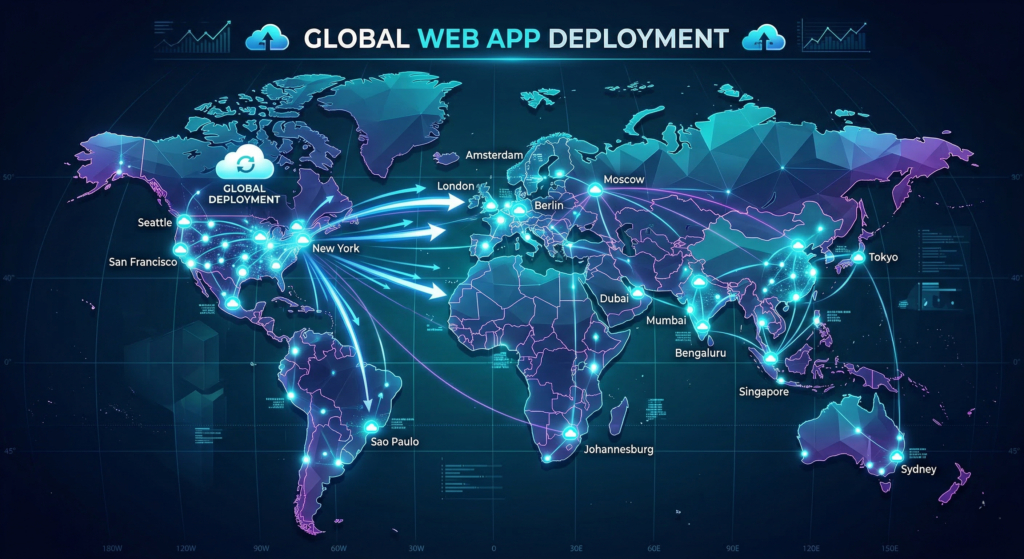
Vercel is the gold standard for frontend deployment.
Features
- Instant global deployments
- Preview URLs
- Edge functions
- Next.js integration
Best For
✔ Frontend developers using modern frameworks (Next.js, React)
✔ Teams needing fast global deployments
✔ Developers who want zero-config hosting
✔ Startups launching products quickly
Want a deeper breakdown of this platform?
Read our full guide:
👉 Best Vercel Features and Deployment Guide
⚡ Developer Productivity Tools
5️⃣ Raycast
Official site: https://raycast.com
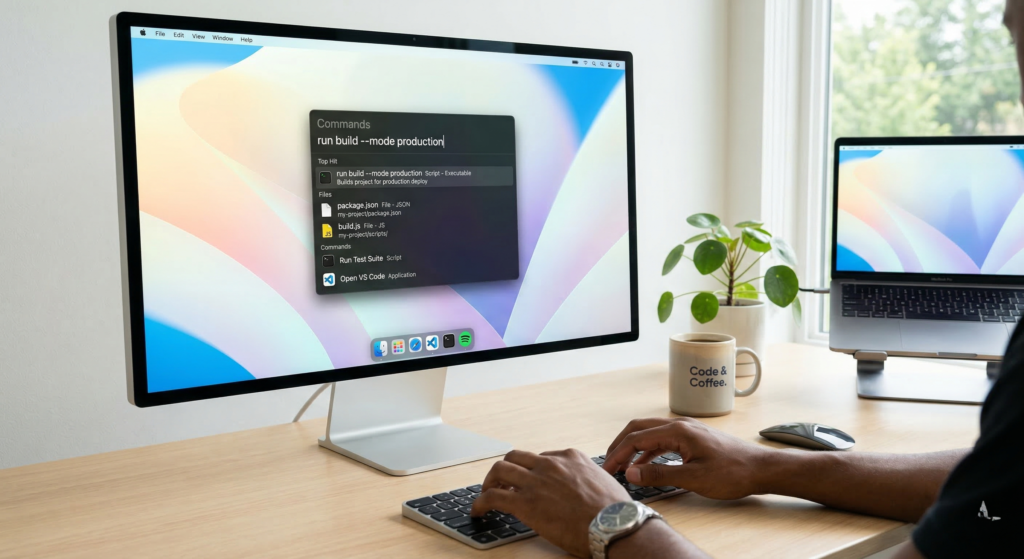
Mac productivity launcher designed for developers.
Best For
✔ macOS developers who want faster workflows
✔ Power users who prefer keyboard-driven productivity
✔ Developers managing multiple tools and scripts
✔ Engineers automating daily repetitive tasks
We also wrote a detailed review explaining how developers use Raycast to speed up daily workflows.
👉 Read the full Raycast review
6️⃣ Warp Terminal
Official site: https://warp.dev
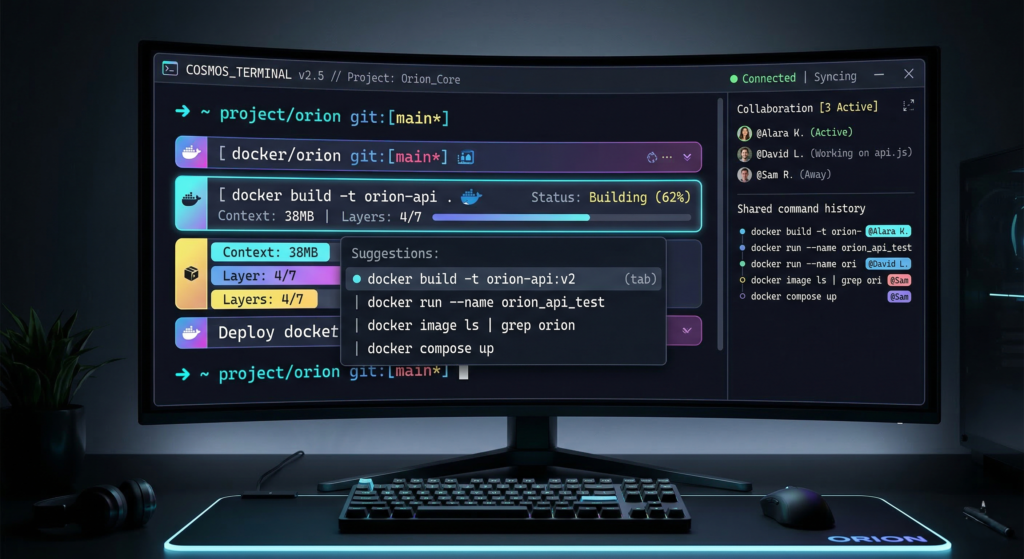
Modern terminal built for collaboration and AI suggestions.
Best For
✔ Developers who want a modern terminal experience
✔ Teams collaborating via terminal workflows
✔ Developers who prefer AI-assisted command suggestions
✔ Beginners struggling with traditional terminal commands
[Try Warp → (affiliate link)]
7️⃣ Linear
Official site: https://linear.app

Fast issue tracking for engineering teams.
Best For
✔ Engineering teams managing product development
✔ Startups needing fast issue tracking
✔ Agile teams working with sprints
✔ Developers who prefer minimal and fast UI tools
[Try Linear → (affiliate link)]
🔌 API & Collaboration Tools
8️⃣ Postman
Official site: https://postman.com
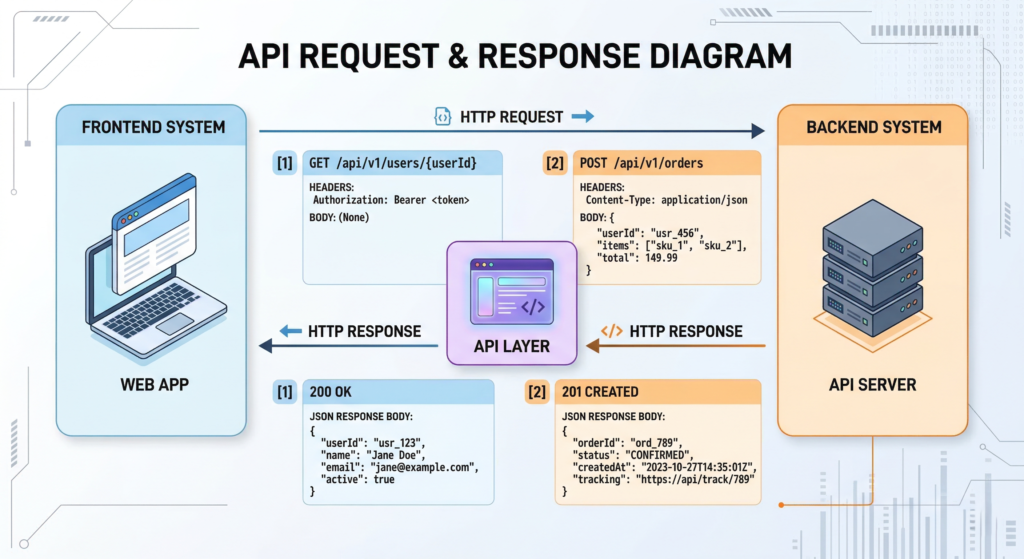
Industry standard for API testing.
Best for
✔ Backend developers building APIs
✔ Teams testing and documenting APIs
✔ Developers working with REST or GraphQL
✔ QA engineers validating API responses
[Use Postman → (affiliate link)]
9️⃣ Figma Dev Mode
Official site: https://figma.com
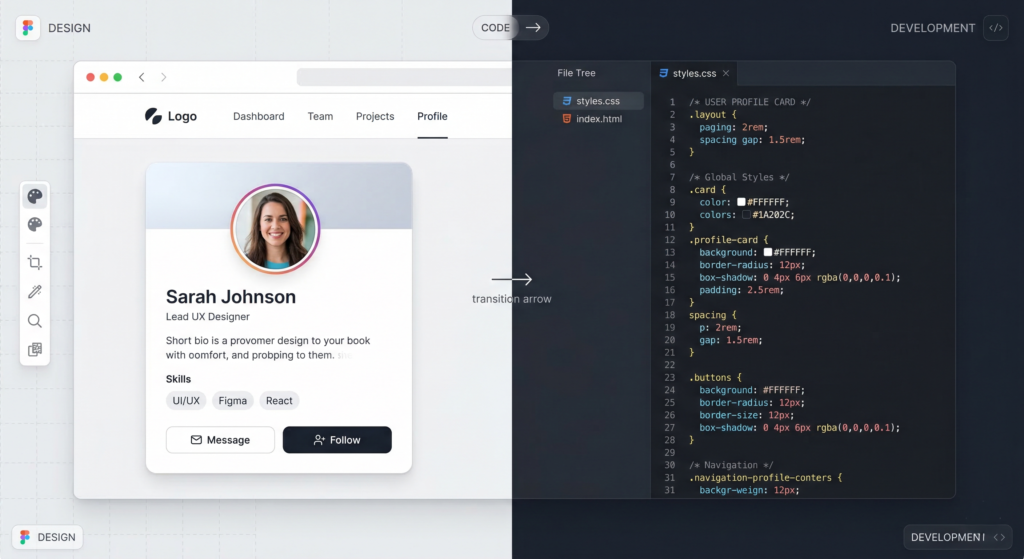
Bridges designers and developers.
Best For
✔ Developers converting design to code
✔ Teams collaborating between design and development
✔ Frontend developers working with UI systems
✔ Agencies building client-facing applications
[Try Figma Dev Mode → (affiliate link)]
🔟 Tailwind UI
Official site: https://tailwindui.com
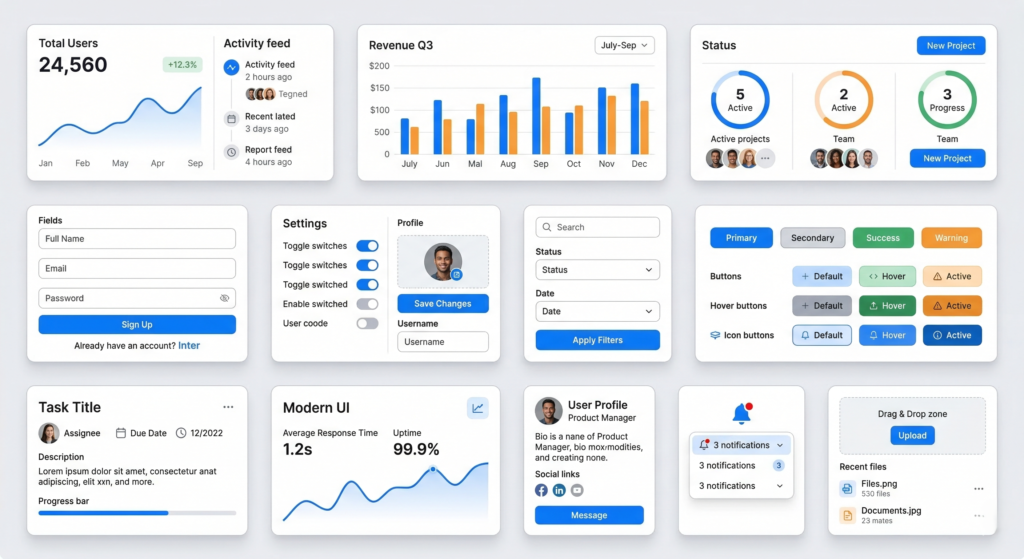
Premium Tailwind CSS components.
Best For
✔ Developers building UI faster with prebuilt components
✔ SaaS founders creating dashboards
✔ Teams using Tailwind CSS
✔ Developers who want production-ready UI blocks
[Explore Tailwind UI → (affiliate link)]
📊 Comparison of the Best Developer Tools 2026
| Tool | Category | Best For | Free Tier | Pricing | Ease of Use |
|---|---|---|---|---|---|
| GitHub Copilot | AI Coding | Code generation | No | $10/mo | Easy |
| Cursor AI | AI IDE | AI-assisted development | Limited | Paid | Medium |
| Supabase | Backend | SaaS backend | Yes | Free+ | Medium |
| Vercel | Deployment | Frontend hosting | Yes | Free+ | Easy |
| Linear | Productivity | Issue tracking | Limited | Paid | Easy |
| Postman | API Tools | API testing | Yes | Free+ | Easy |
Best Developer Stack for Startups (2026)
If you’re building a startup or SaaS product, this stack works extremely well:
- GitHub Copilot for AI coding assistance
- Supabase for backend infrastructure
- Vercel for fast global deployments
- Linear for issue tracking
- Postman for API development
This modern developer stack allows small teams and solo founders to build and ship products significantly faster than traditional workflows.
❓ FAQ – Best Developer Tools 2026
What are the best developer tools 2026 for startups?
Supabase, Vercel, and GitHub Copilot create a powerful stack.
Are AI coding tools worth it?
Yes. Most developers report significant speed improvements.
Which backend tool is best for SaaS?
Supabase is one of the best developer tools 2026 for rapid backend setup.
Are developer tools expensive?
Most tools offer generous free tiers.
🎯 Final Recommendation
If you’re building in 2026, your modern stack should include:
- GitHub Copilot or Cursor AI
- Supabase backend
- Vercel deployment
- Linear for tracking
- Postman for APIs
The best developer tools 2026 are not just productivity enhancers — they are competitive advantages.
Ship faster. Build smarter. Scale globally.