AI tools are no longer “nice to have.” In 2026, they are a core productivity layer for developers, founders, marketers, and creators.
This guide ranks the best AI tools in 2026 based on:
- Ease of use (beginner-friendly)
- Real productivity impact
- Pricing vs ROI
- Integration capabilities
- Output quality
If you want practical recommendations not hype this page will help you choose the right AI tool for your workflow.
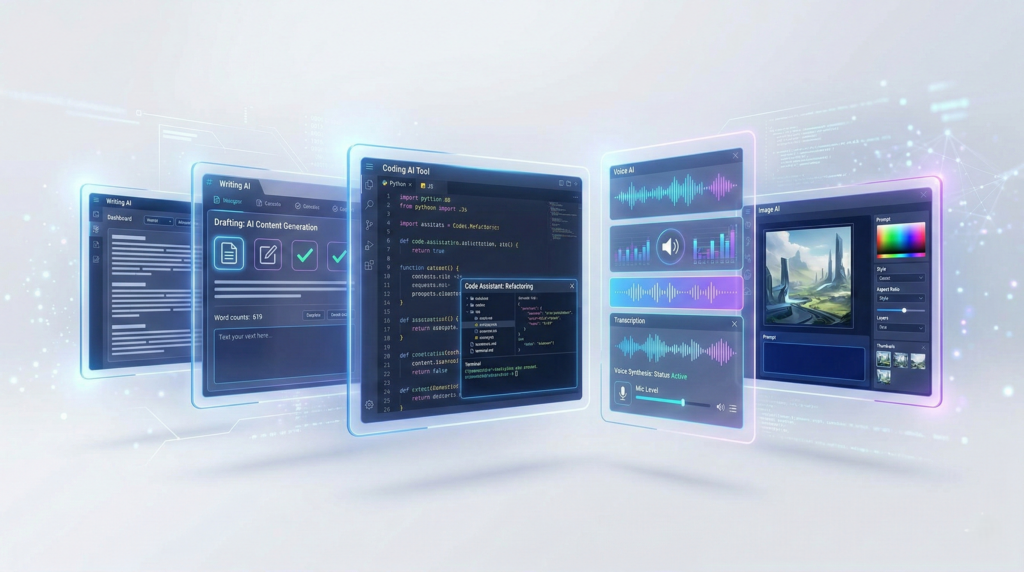
Table of Contents
🏆 Top AI Tools at a Glance
| Tool | Best For | Starting Price | Best Feature | Full Review |
|---|---|---|---|---|
| Jasper | Marketing copy | Paid | Brand voice control | Read Review |
| ChatGPT | General AI assistant | Free/Paid | Versatility | Read Review |
| Murf AI | Voiceovers | Paid | Natural AI voices | Read Review |
| Midjourney | AI images | Paid | High-quality visuals | Read Review |
| GitHub Copilot | Coding | Paid | AI pair programmer | Read Review |
| Notion AI | Productivity | Paid | Built-in workspace AI | Read Review |
💡 Tip: If you’re unsure, start with ChatGPT (general use) or a tool specific to your main use case (writing, coding, voice, etc.).
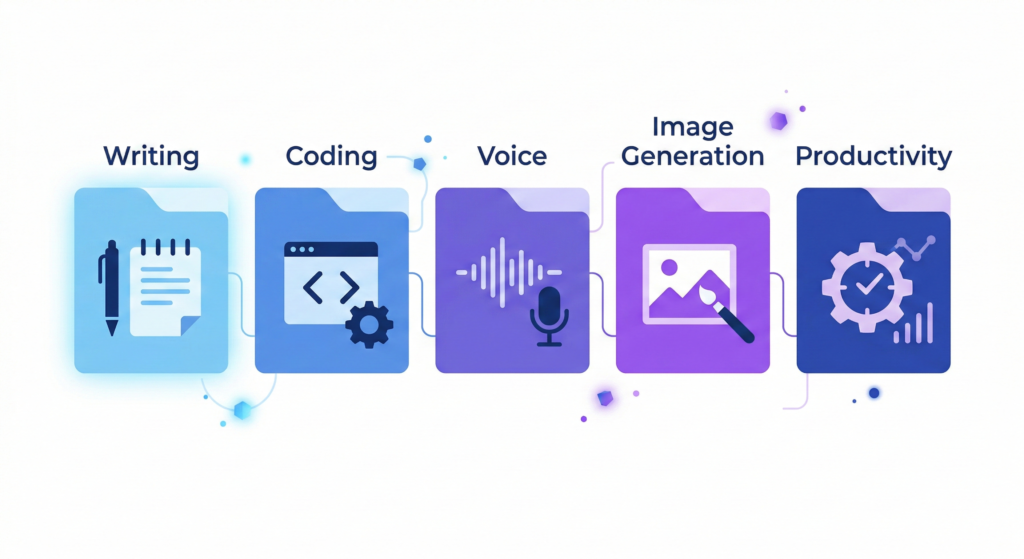
🔥 Best AI Tools by Category
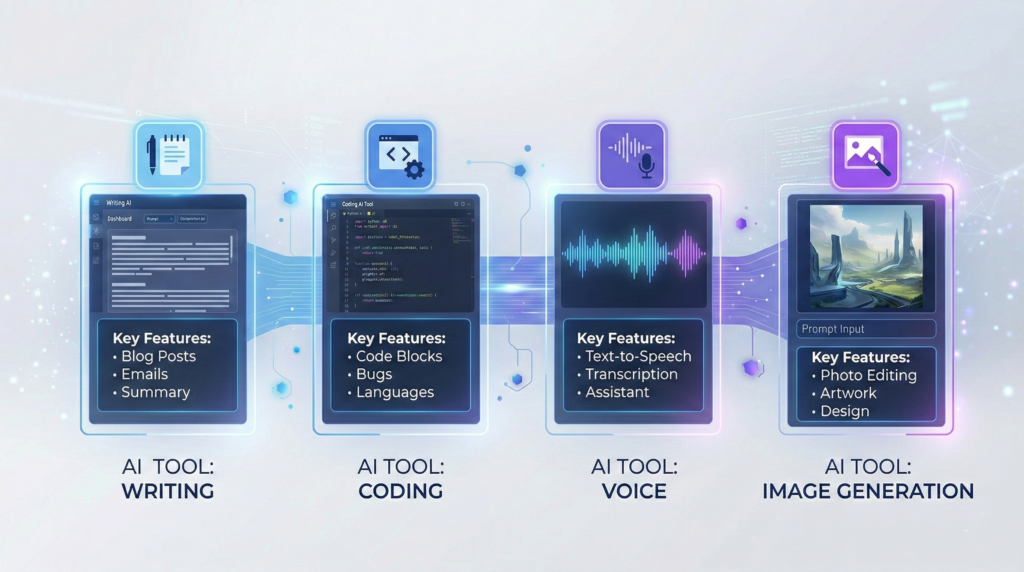
📝 Best AI Writing Tools
AI writing tools help with:
- Blog posts
- Ads & sales copy
- Product descriptions
- Emails
- Social media
Top Picks:
- Jasper – Best for marketing teams and brand control
- Copy.ai – Beginner-friendly copywriting
- Writesonic – Budget alternative
- ChatGPT – Flexible writing + research
If content is part of your business, these tools can cut writing time by 50–70%.
🎙 Best AI Voice Generators
AI voice tools create realistic voiceovers for:
- YouTube videos
- Course content
- Podcasts
- Ads
Top Picks:
- Murf AI – Professional voiceovers with studio-like quality
- ElevenLabs – Extremely realistic voices
- Play.ht – Wide voice library
For creators who don’t want to record audio manually, AI voice tools are a massive time saver.
💻 Best AI Coding Tools
AI coding assistants act as real-time pair programmers.
They help with:
- Code completion
- Bug fixes
- Refactoring
- Documentation
Top Picks:
- GitHub Copilot – Most popular AI coding tool
- Codeium – Free alternative
- Cursor – AI-native code editor
Developers using AI coding tools often report 30–55% productivity gains.
🎨 Best AI Image Generators
Perfect for:
- Blog graphics
- YouTube thumbnails
- Social posts
- UI mockups
Top Picks:
- Midjourney – Artistic, high-quality visuals
- Leonardo AI – Game & creative assets
- DALL·E – Integrated with ChatGPT
For solopreneurs, this removes the need for hiring a designer for basic visuals.
🧠 Best AI Productivity Tools
AI is now integrated into workspace tools.
Top Picks:
- Notion AI – Writing + summarizing inside your workspace
- Grammarly AI – Writing enhancement
- ClickUp AI – Task automation
These tools improve focus and reduce context switching.
🎯 Best AI Tools by Use Case
👨💻 For Developers
Best stack:
- GitHub Copilot
- ChatGPT
- Cursor
Use case:
- Faster debugging
- Generating boilerplate
- API documentation
🚀 For SaaS Founders & Startups
Best stack:
- Jasper (marketing copy)
- Notion AI (documentation)
- Zapier (automation + AI workflows)
Use case:
- Faster landing page creation
- Investor pitch refinement
- Automated workflows
📈 For Marketers & Content Creators
Best stack:
- Jasper
- Murf AI
- Midjourney
- ChatGPT
Use case:
- Content creation
- Script writing
- Voiceovers
- Social content
🧑💼 For Productivity Enthusiasts
Best stack:
- Notion AI
- Grammarly AI
- ChatGPT
Use case:
- Email drafting
- Meeting summaries
- Task planning
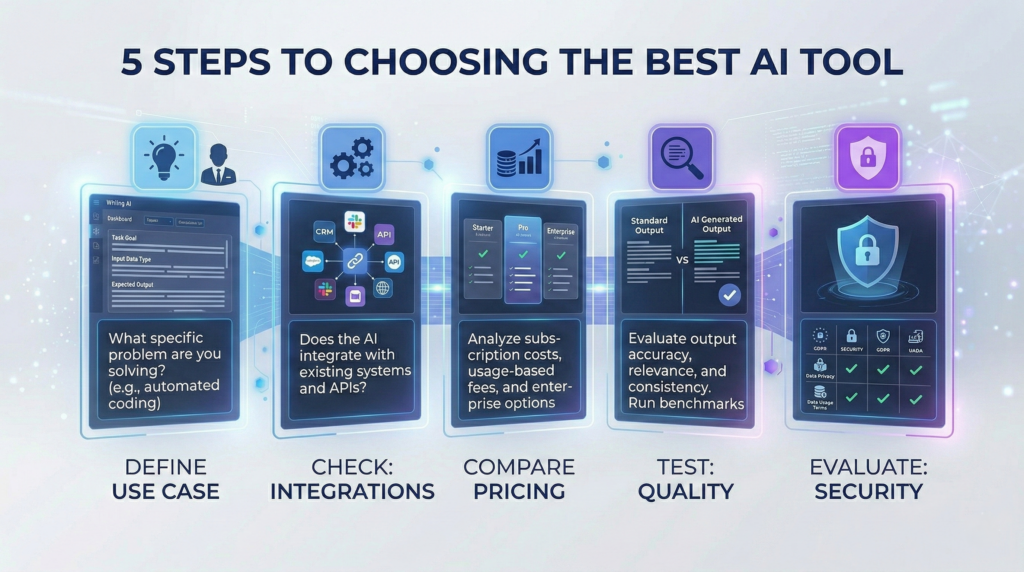
🧭 How to Choose the Right AI Tool
Choosing the best AI tool depends on your specific needs.
1. Define Your Primary Use Case
Are you:
- Writing content?
- Coding?
- Creating voiceovers?
- Automating workflows?
Start with one clear goal.
2. Check Integration Capabilities
Look for tools that integrate with:
- Google Docs
- Notion
- GitHub
- Slack
- Zapier
AI tools are most powerful when connected to your existing stack.
3. Evaluate Pricing vs ROI
Ask:
- How much time does this save?
- Will it increase revenue?
- Can it replace other tools?
If a $30/month tool saves 10 hours, it’s worth it.
4. Test Output Quality
Most AI tools offer free trials.
Before committing:
- Test multiple outputs
- Compare competitors
- Check consistency
5. Consider Learning Curve
Some tools are plug-and-play. Others require prompt engineering.
If you’re a beginner, choose simplicity first.
6. Prioritize Data Privacy & Security
Especially important for:
- Developers
- Agencies
- SaaS companies
Check:
- Data retention policies
- Enterprise options
- GDPR compliance
🔁 Popular AI Comparisons
If you’re deciding between tools, these comparisons help:
- Jasper vs Copy.ai
- Murf AI vs ElevenLabs
- GitHub Copilot vs Codeium
- Midjourney vs DALL·E
- ChatGPT vs Jasper
Comparison posts help you see:
- Feature differences
- Pricing breakdown
- Best tool for specific use cases
❓ Frequently Asked Questions About AI Tools
What is the best AI tool in 2026?
There is no single best AI tool. The best one depends on your use case:
- Writing → Jasper
- Coding → GitHub Copilot
- Voiceovers → Murf AI
- General tasks → ChatGPT
Are AI tools worth paying for?
Yes, if they save time or increase revenue. Many paid AI tools replace multiple subscriptions or reduce outsourcing costs.
What are the best free AI tools?
- ChatGPT (free version)
- Codeium (free coding AI)
- Some tools offer limited free tiers
Free versions are great for testing before upgrading.
Can AI tools replace human work?
AI tools assist they don’t fully replace human creativity, strategy, or decision-making.
Think of AI as a productivity multiplier.
Are AI tools safe to use?
Most reputable AI tools follow modern security standards. However, avoid sharing highly sensitive data unless using enterprise-grade plans.
Which AI tools are best for beginners?
Best beginner-friendly AI tools:
- ChatGPT
- Notion AI
- Copy.ai
- Grammarly
They require minimal setup and no technical skills.
Final Thoughts
AI tools are no longer optional in 2026.
Whether you are:
- A developer
- A founder
- A marketer
- A student
Using the right AI tool can dramatically increase your speed and output.
The key is not using every AI tool
but choosing the right one for your workflow.
Explore the individual reviews linked above to find the best AI tool for your needs.