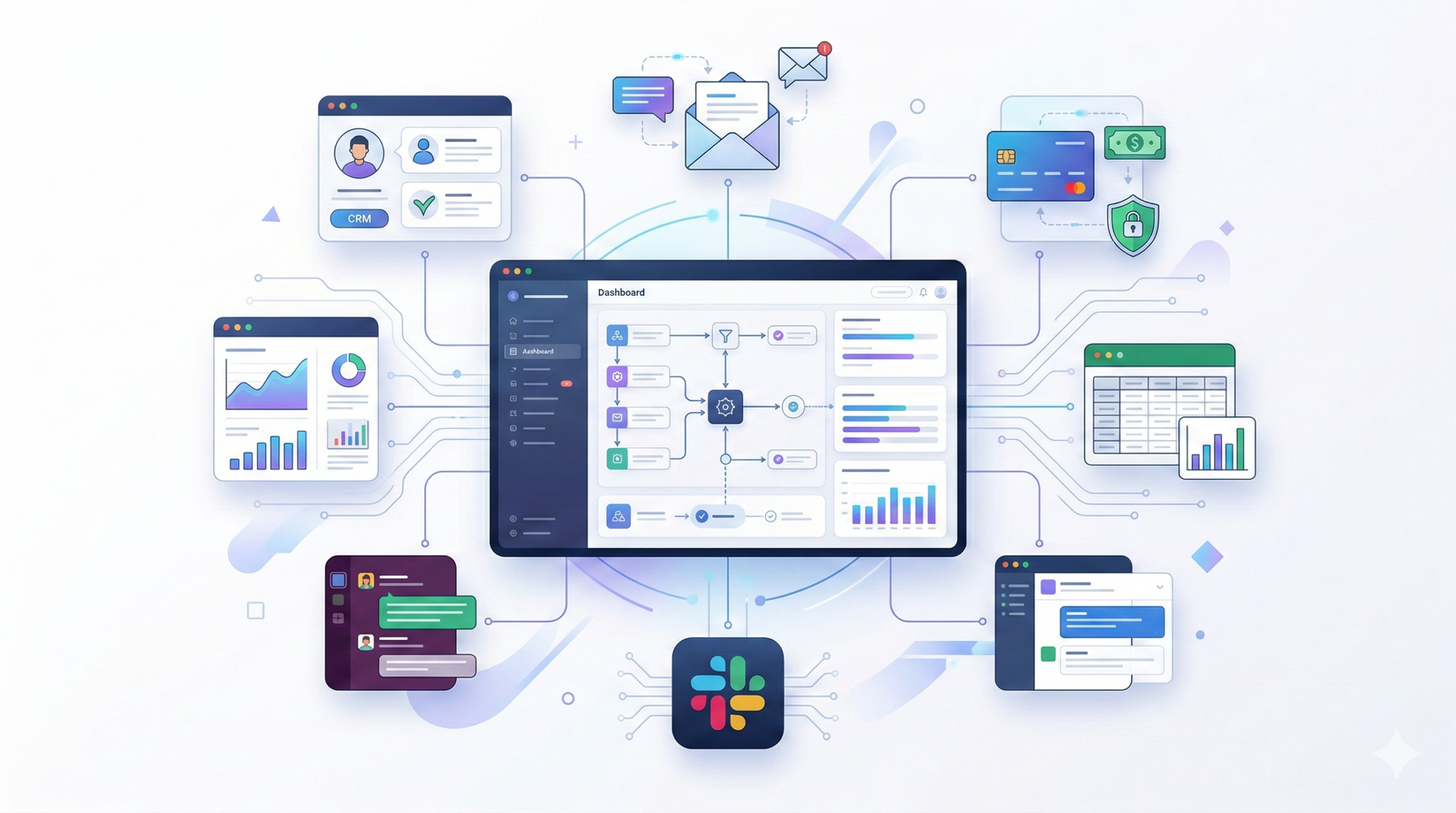
Automation tools help you eliminate repetitive work, connect your apps, and build scalable systems without hiring more people.
In 2026, using the best automation tools is no longer optional for growing businesses. Whether you’re a SaaS founder, developer, marketer, or solopreneur, the right automation software can:
- ⚡ Save 10–30+ hours per week
- 🔁 Eliminate manual workflows
- 📈 Increase revenue through faster execution
- 🤝 Connect your entire tech stack
In this guide, we break down the best automation tools available today and help you choose the right workflow automation software for your needs.
Table of Contents
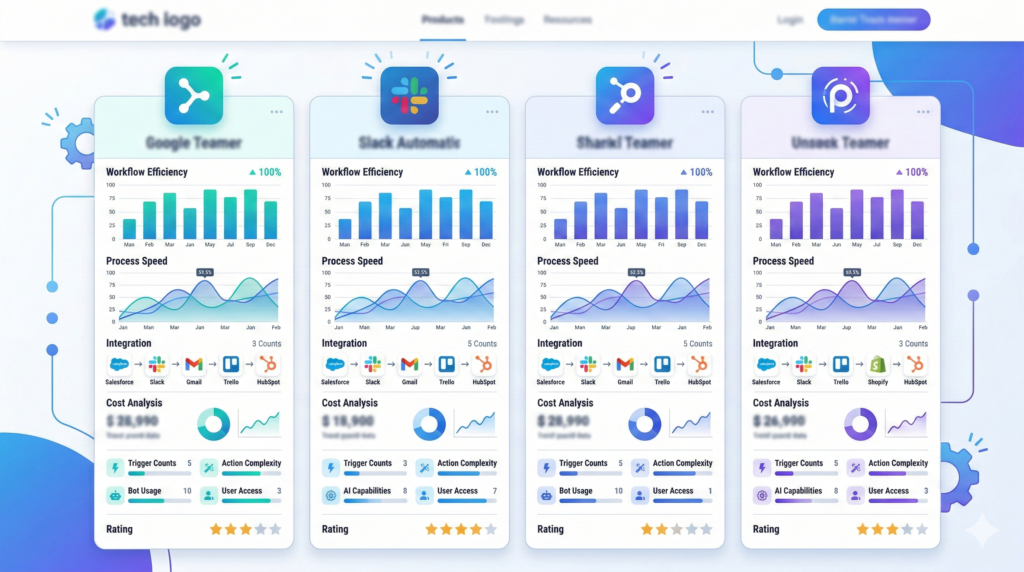
🏆 Top Automation Tools at a Glance
| Tool | Best For | Starting Price | Ease of Use | Full Review |
|---|---|---|---|---|
| Zapier | Simple app automation | Paid | ⭐⭐⭐⭐⭐ | Read Review |
| Make (formerly Integromat) | Advanced workflows | Paid | ⭐⭐⭐⭐ | Read Review |
| Pabbly Connect | Budget automation | Paid | ⭐⭐⭐⭐ | Read Review |
| n8n | Developers & self-hosting | Free/Paid | ⭐⭐⭐ | Read Review |
| IFTTT | Personal automation | Free/Paid | ⭐⭐⭐⭐ | Read Review |
If you’re a beginner, start with Zapier.
If you need complex logic, go with Make.
If you’re technical, try n8n.
🔥 What Are Automation Tools?
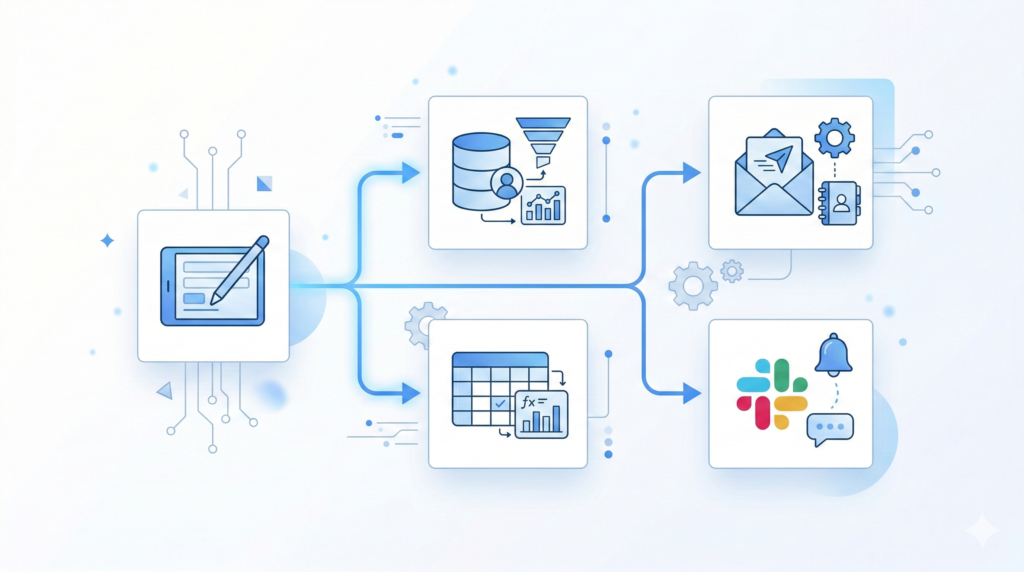
Automation tools connect your apps and trigger actions automatically.
Example:
- New Stripe payment → Send Slack notification
- New form submission → Add to CRM
- New blog post → Share on social media
- New lead → Send email sequence
Instead of doing these manually, automation tools handle them instantly.
🚀 Why Automation Tools Matter in 2026
1️⃣ Productivity Multiplier
Automation eliminates repetitive admin tasks so you can focus on high-impact work.
Many startups operate with smaller teams because automation replaces manual labor and works alongside modern AI systems (see our guide on AI Tools).
2️⃣ Cost Reduction
Instead of hiring an assistant, many businesses use workflow automation to manage:
- Lead routing
- Data syncing
- Customer onboarding
- Reporting
This significantly reduces operational expenses.
3️⃣ Faster Execution
Automation reduces delays between actions.
What once took hours now happens instantly.
Speed = competitive advantage.
4️⃣ Scalability
Manual systems break under growth.
Automation systems scale smoothly.
You can handle 10 leads or 10,000 leads using the same workflow.
🧠 Best Automation Tools by Category in 2026
🔹 Best for Beginners: Zapier
- Easiest interface
- 6,000+ app integrations
- Pre-built automation templates
Best for:
- Non-technical founders
- Marketing teams
- Small businesses
You can explore Zapier’s full integration list on their official website:
https://zapier.com/apps
🔹 Best for Advanced Workflows: Make
- Visual drag-and-drop builder
- Conditional logic
- More advanced customization
Best for:
- Agencies
- SaaS businesses
- Multi-step workflows
Learn more about advanced automation scenarios on Make’s documentation page:
https://www.make.com/en/help
🔹 Best Budget Option: Pabbly Connect
- Lifetime pricing options
- Good alternative to Zapier
- Suitable for small teams
🔹 Best for Developers: n8n
- Open-source
- Self-hosted option
- Full workflow control
Best for:
- Technical users
- Privacy-focused teams
- Custom automation setups
🔹 Best for Personal Automation: IFTTT
- Simple “If This Then That” rules
- Smart home automation
- Social media triggers

🎯 Automation Tools for Specific Use Cases
👨💻 For Developers
Best tools:
- n8n
- Make
- Zapier
Use cases:
- API integrations
- Database syncing
- DevOps alerts
🚀 For SaaS Founders
Best tools:
- Zapier
- Make
Use cases:
- Lead routing
- CRM automation
- Onboarding workflows
📈 For Marketers
Best tools:
- Zapier
- Pabbly Connect
Use cases:
- Email automation
- Ad tracking
- Social scheduling
🧑💼 For Solopreneurs
Best tools:
- Zapier
- IFTTT
Use cases:
- Form-to-email workflows
- Newsletter automation
- Task management syncing
🧭 How to Choose the Right Automation Tool
Choosing between the best automation tools depends on your workflow complexity and growth plans.
1️⃣ Define Your Workflow Complexity
Simple triggers? → Zapier
Complex branching logic? → Make
Custom backend flows? → n8n
2️⃣ Check Integration Library
Ensure the tool supports:
- Your CRM
- Payment gateway
- Email platform
- Project management system
More integrations = more flexibility.
3️⃣ Evaluate Pricing vs Usage
Automation pricing often depends on:
- Number of tasks
- Workflow runs
- Active automations
Estimate your monthly usage before choosing a plan.
4️⃣ Consider Scalability
If you plan to grow rapidly, choose a platform that supports:
- Advanced logic
- Error handling
- Webhooks
- API calls
5️⃣ Check Data Security
If you handle customer data, ensure:
- Secure API connections
- Encryption
- GDPR compliance
Especially important for SaaS and agencies.
⚔️ Best Automation Tools Compared
Choosing between two platforms? Start here:
- Zapier vs Make
- Zapier vs Pabbly
- Make vs n8n
- Zapier Alternatives
Comparison guides break down:
- Feature differences
- Pricing tiers
- Best use case
- Beginner friendliness
❓ Frequently Asked Questions
What is the best automation tool in 2026?
For beginners: Zapier
For advanced workflows: Make
For developers: n8n
The best tool depends on your workflow complexity.
Are automation tools worth paying for?
Yes. Even a $30/month automation tool can replace hours of manual work each week.
The ROI is usually significant.
Can automation tools replace employees?
Automation reduces repetitive tasks but does not replace strategic thinking or creative work.
Think of automation as operational leverage.
Are automation tools safe?
Most reputable platforms follow modern security standards. Always review privacy policies and API security practices.
🏁 Final Thoughts
The best automation tools are one of the highest-leverage investments you can make in 2026.
They allow you to:
- Work faster
- Reduce operational chaos
- Scale without friction
- Build systems instead of doing tasks manually
Start simple. Automate one workflow.
Then expand.
The right automation stack can completely transform how your business operates.